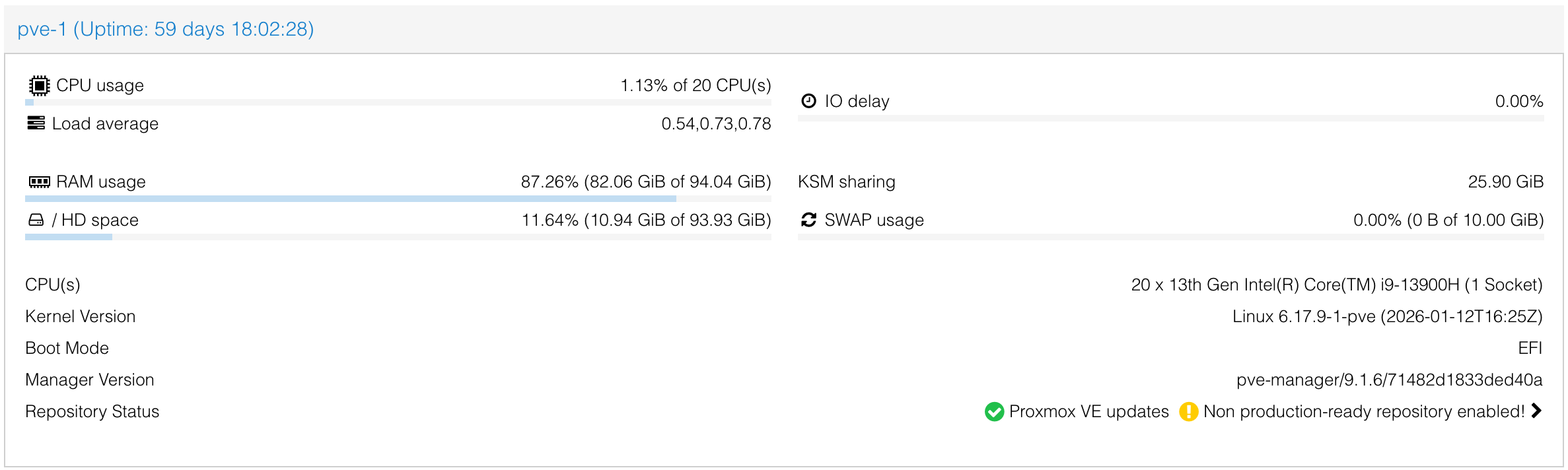
Proxmox – Tip of the Day,
Did you know that if you’re using LVM partitions in your Proxmox cluster, resizing your swap space is actually super straightforward?
Instead of rebuilding or migrating anything, you can simply expand your swap volume on the fly and bring it back online in just a few commands.
Here’s how it works:
swapoff -a
lvresize -L +2G /dev/pve/swap
mkswap /dev/pve/swap
swapon -a
A quick breakdown:
- swapoff -a -->safely disables swap
- lvresize --> increases the logical volume size (in this example +2G)
- mkswap --> reinitializes the swap space
- swapon -a --> re-enables all swap defined in fstab
Just make sure nothing critical is relying heavily on swap during the change.
Small trick, big convenience when managing storage in Proxmox clusters.