I ran into a common issue today in Proxmox VE. I gave one of my virtual machines a disk that was too small.
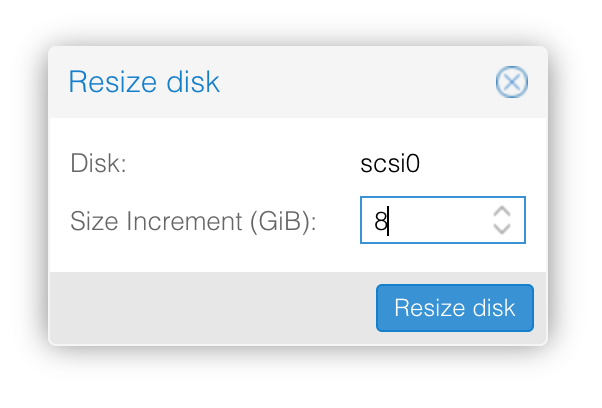
Luckily, expanding the storage was very straightforward. First, I increased the virtual disk size using the Resize Disk option inside Proxmox.
After that, I logged into the VM and extended the partition and filesystem with a few simple commands.
Commands I used:
df -h
df -T
sudo growpart /dev/sda 2
sudo resize2fs /dev/sda2
What these commands do:
df -h → shows current disk usage in a readable format
df -T → shows the filesystem type (to determine which command I needed)
growpart → expands the partition
resize2fs → expands the filesystem to use the new space
After running these commands, the VM immediately had access to the extra storage without reinstalling.
Small issue, quick fix and a good reminder to always double check disk sizing when deploying new VMs.
Leave a Reply