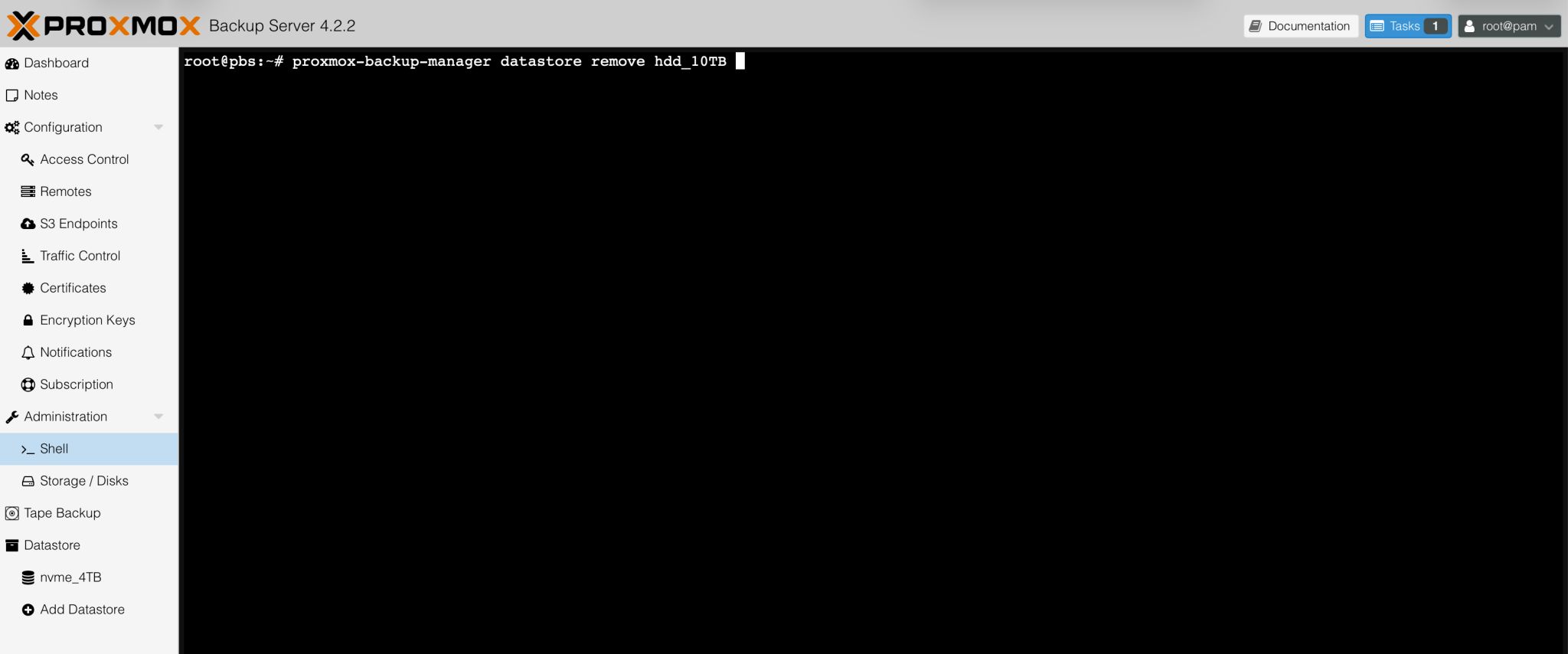
Today I wanted to remove a datastore from my Proxmox Backup Server. I searched through the web interface but couldn’t find a remove option anywhere.
After a bit of searching, I discovered that in the latest versions of Proxmox Backup Server, you can remove the datastore configuration from the Menu → Administration → Shell with the following command:
proxmox-backup-manager datastore remove nvme_4TB
This command removes the datastore from the PBS configuration.
It took me a while to find, so I hope this tip saves someone else some time.
Leave a Reply